The complete page boundary
It defines the physical medium for the page. Content outside it can be discarded without changing the intended PDF page.

MediaBox describes the full physical page boundary. CropBox describes the region a viewer normally clips to when displaying or printing that page.
Changing CropBox usually changes what is visible—not what remains in the PDF.
See the recovery test ↓The boxes are coordinates in default user space. They guide viewing, printing, trimming, and prepress workflows; they do not act like five independent layers of content.
It defines the physical medium for the page. Content outside it can be discarded without changing the intended PDF page.
It tells conforming viewers which rectangle to display or print. It imposes clipping; it does not itself rewrite the page content stream.
It can include extra image area needed to tolerate cutting and finishing variation.
TrimBox describes intended finished dimensions; ArtBox describes the extent of meaningful content as intended by the creator.
In our Letter-size sample, the MediaBox stayed fixed while CropBox moved inward. The content stream and embedded resources remained in the file.
MediaBox [0 0 612 792]
CropBox [0 0 612 792]MediaBox [0 0 612 792]
CropBox [55.08 63.36 556.92 728.64]The PDF array stores lower-left and upper-right coordinates. Doruni’s interface presents margins, then its current implementation reads the existing CropBox and writes the resulting rectangle with setCropBox(). It does not change MediaBox or perform redaction.
We generated a harmless PDF with red markers outside the intended crop. After cropping, those markers disappeared from the rendered view. Resetting CropBox to MediaBox made the same markers visible again.
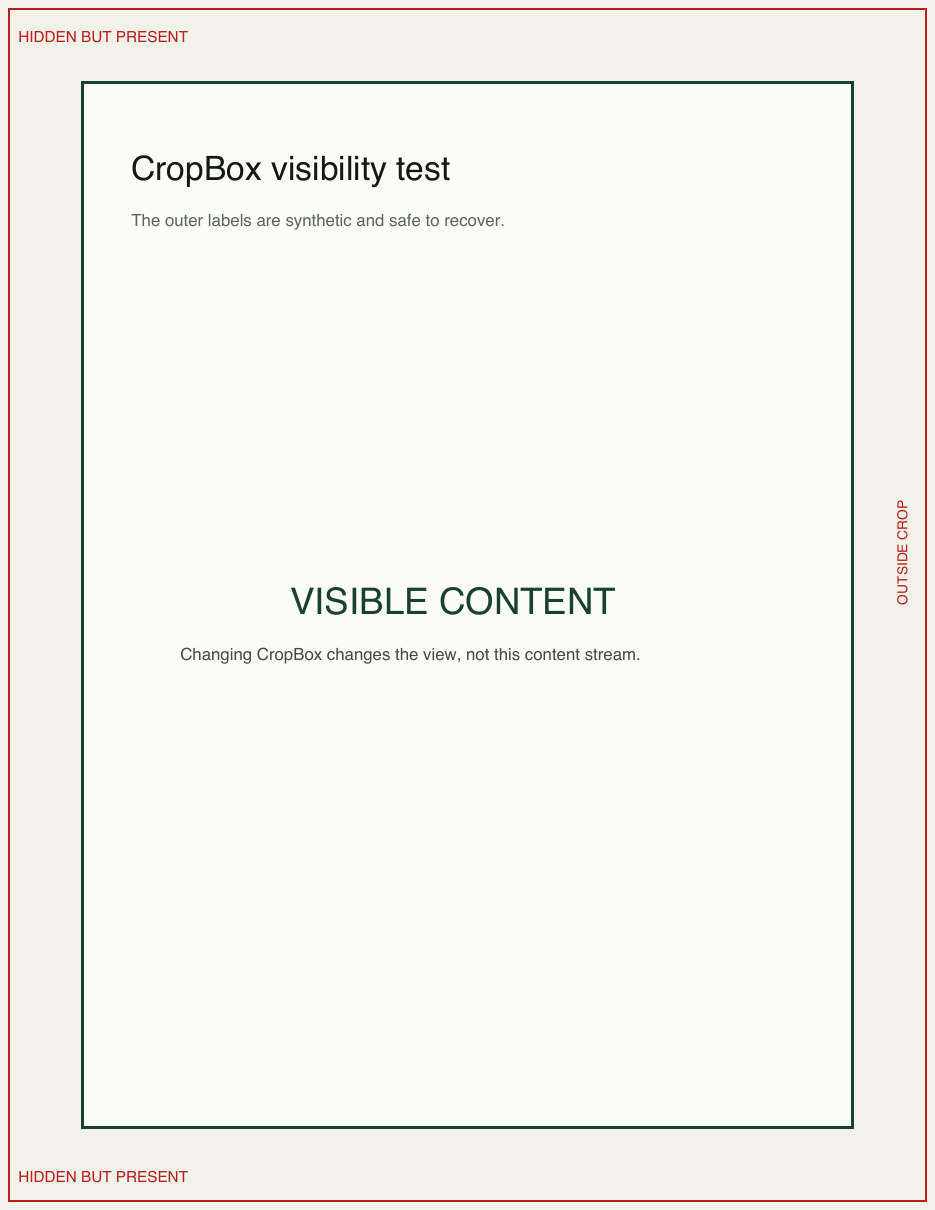
Outer markers are visible.
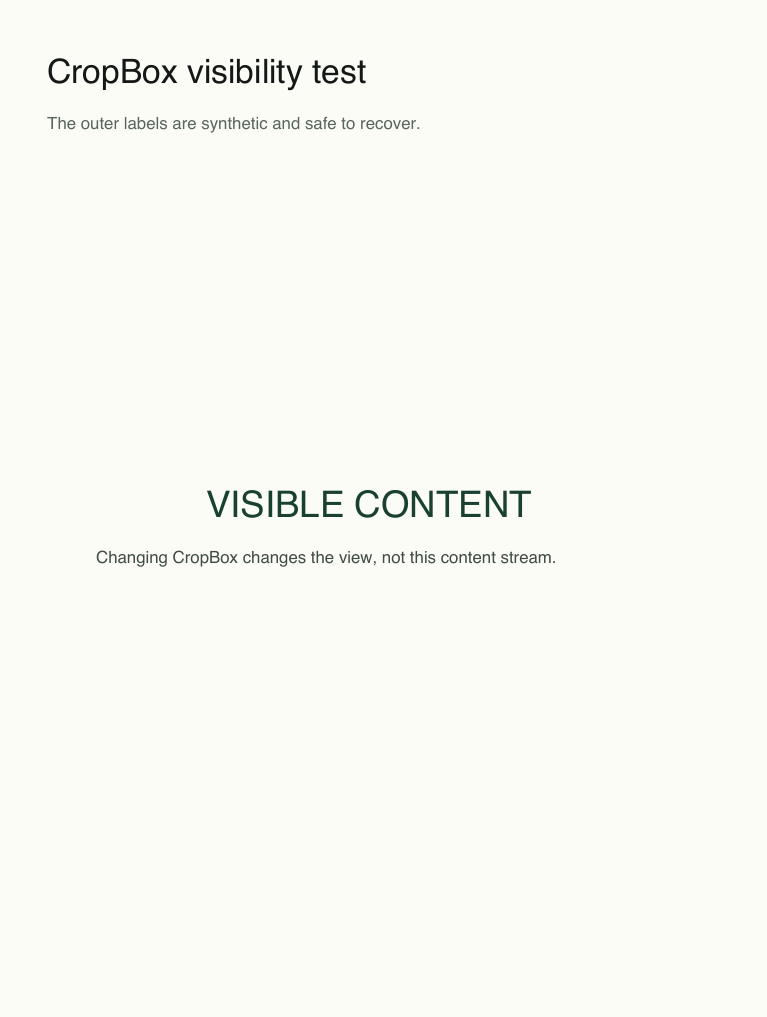
Outer markers are clipped from view.
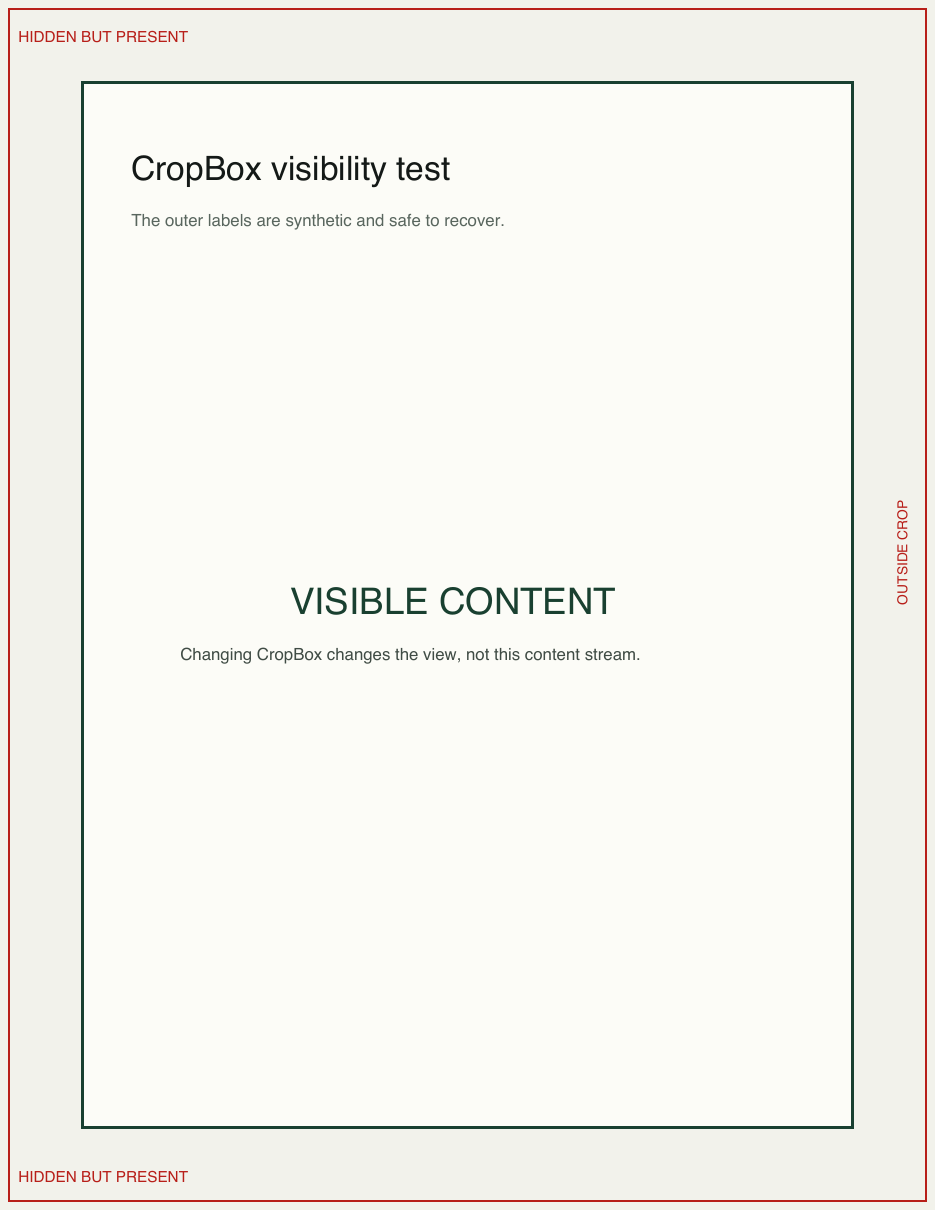
The original markers return.
All three samples kept the same MediaBox after cropping.
pdftotext still found the synthetic outside marker in every cropped sample, even though the normal cropped render hid it.
Resetting CropBox produced a first-page render with SSIM 1.0 against the original for all three samples.
Each cropped file became slightly larger because saving a changed page dictionary added serialization overhead while leaving the original content and resources intact.
| Sample | State | Bytes | MediaBox (pt) | CropBox x, y, w×h (pt) |
|---|---|---|---|---|
| PDF-TEXT | Original | 1.3 KB | 612×792 | 0, 0, 612×792 |
| PDF-TEXT | Cropped | 1.4 KB | 612×792 | 55.08, 63.36, 501.84×665.28 |
| PDF-TEXT | Restored | 1.3 KB | 612×792 | 0, 0, 612×792 |
| PDF-IMAGE | Original | 48.3 KB | 595.28×841.89 | 0, 0, 595.28×841.89 |
| PDF-IMAGE | Cropped | 48.3 KB | 595.28×841.89 | 59.53, 75.77, 476.22×690.35 |
| PDF-IMAGE | Restored | 48.3 KB | 595.28×841.89 | 0, 0, 595.28×841.89 |
| PDF-MULTI | Original | 2.4 KB | 612×792 | 0, 0, 612×792 |
| PDF-MULTI | Cropped | 2.5 KB | 612×792 | 48.96, 55.44, 514.08×681.12 |
| PDF-MULTI | Restored | 2.4 KB | 612×792 | 0, 0, 612×792 |
Method: Three project-owned PDFs—text, embedded image, and mixed page sizes—were cropped using the same getCropBox()/setCropBox() operation as Doruni. Boxes were cross-checked with pdfinfo -box; visibility was rendered with Poppler; text presence was checked with pdftotext.
Viewers and print workflows can interpret page boundaries differently. Confirm the visible result where the file will actually be used.
Technical users can run pdfinfo -box file.pdf and compare MediaBox with CropBox.
If information must be unrecoverable, use a verified redaction workflow and inspect the final output independently.
Doruni changes the visible page area locally. Your file is not uploaded—but the operation is cropping, not redaction or compression.